

iPhone & iPadIn Safari
- 1
Tap the Share button at the bottom of Safari.
- 2
Scroll down and tap “Add to Home Screen”.
- 3
Tap “Add”. The app is on your home screen.
Free · no app store
Your plan, live servers, payments and VPN link — one tap away on iPhone, Android, Windows and Mac.
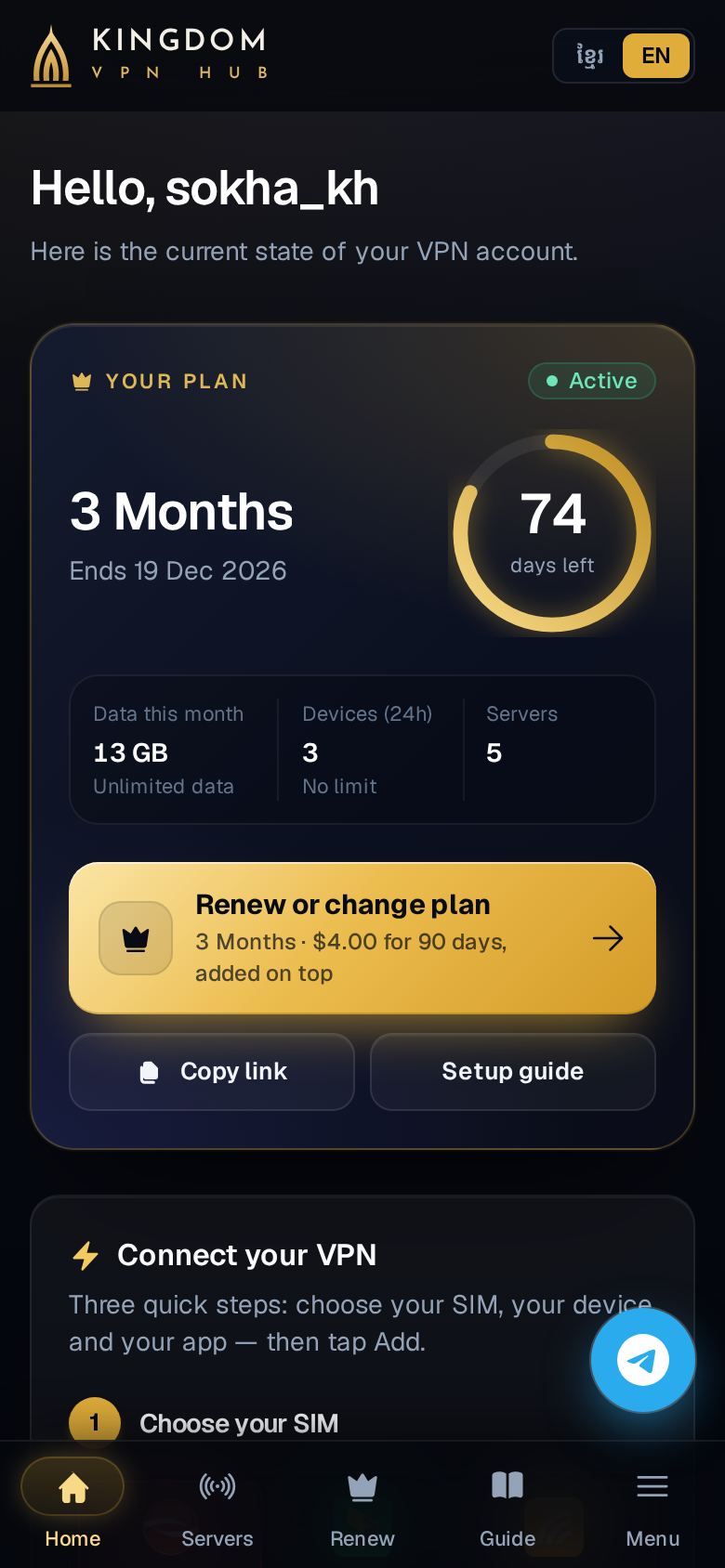
The same app and the same account everywhere. Takes about 10 seconds on each device.
Tap the Share button at the bottom of Safari.
Scroll down and tap “Add to Home Screen”.
Tap “Add”. The app is on your home screen.
Tap ⋮ at the top right of your browser.
Tap “Install app” or “Add to Home screen”.
Tap “Install”. The app is on your home screen.
Click ⋯ at the top right of Edge.
Choose Apps → Install this site as an app.
Click “Install”. The app opens in its own window and is in the Start menu.
In the menu bar at the top, click File → Add to Dock.
Click “Add”. The app is in your Dock and Launchpad.
Needs macOS Sonoma (14) or newer. Or use Chrome or Edge.
See which servers are online and the fastest one right now.
Pay with KHQR from any Cambodian bank app; days are added straight away.
Copy your VPN link or show its QR code on any of your devices.
From your home screen, Start menu or Dock — no app store, nothing to update.
This app is your account: plan, servers, payments and your VPN link. The VPN connection itself is made by a VPN app like v2rayNG, Streisand or Hiddify — your home page shows the right one for each device. My account